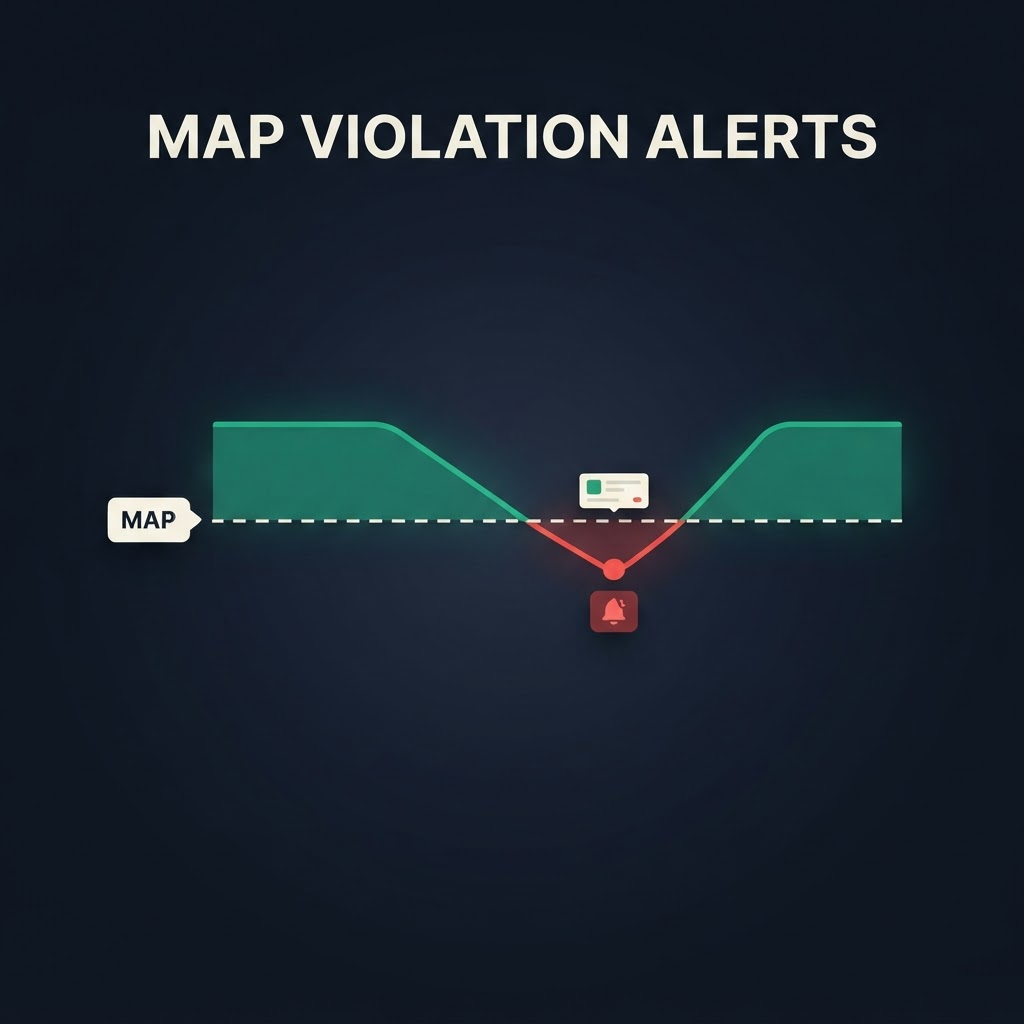
A single seller advertising below your Minimum Advertised Price (MAP) can unravel months of brand work in days. Once one reseller drops their advertised price, the rest race to match it, your Buy Box price craters, and the authorized partners who play by the rules stop wanting to carry you. The damage is done long before it shows up in a monthly report.
The only defense is speed: catch violations as they happen, know exactly who did it, and have the evidence ready to enforce. That's a monitoring problem, and it's exactly what an Amazon product API is built for. This guide covers what MAP is, why violations hurt, and how to build real-time MAP violation alerts using the Asgard product endpoint — including who's in the Buy Box and at what price.
TL;DR
- MAP is the lowest price a reseller may advertise — not the sale price. A listing below MAP is a violation.
- Manual checking never scales; violations appear and vanish within hours, so you need scheduled monitoring.
- The Asgard product endpoint returns the live Buy Box price, plus
sold_by,seller_idandships_from— enough to flag a violation and name the offender. - Poll your ASINs on a schedule, compare each price to your MAP floor, and fire an alert the moment price < MAP.
- Log every hit to build violation history per seller, identify repeat offenders, and feed enforcement workflows.
What is MAP, and what counts as a violation?
Minimum Advertised Price is the lowest price a reseller is contractually allowed to advertise a product for. It governs the displayed price — the number a shopper sees before adding to cart — not necessarily the final price at checkout. That distinction matters: MAP policies restrict advertising, which is why the advertised/Buy Box price is the field you monitor.
A MAP violation is any listing advertising your product below that floor. It can come from an authorized seller breaking policy or an unauthorized/gray-market seller you never approved. You care about both, but you handle them differently — which is why identifying the seller is as important as catching the price.
Why MAP violations are worth catching early
- Price erosion cascades. One low advertised price pressures every other seller to match, dragging your whole price curve down and shrinking margin across the board.
- Brand equity suffers. A premium product constantly shown at a discount stops looking premium. Perceived value is hard to rebuild once it slips.
- Reseller relationships break. Partners who honor MAP won't tolerate competing against violators. Left unchecked, your best resellers walk.
- Enforcement needs evidence. A timestamped record of who advertised what, and when, is what turns a warning into an actionable claim.
Why manual monitoring fails
Checking listings by hand breaks down immediately. Prices change many times a day, the Buy Box rotates between sellers, and a violation can surface and disappear within hours — right when you weren't looking. Across dozens of ASINs and marketplaces it's simply impossible to do by eye. You need a scheduled job that reads the live advertised price and seller for every ASIN and compares it to your MAP floor automatically.
The data you need — and where it comes from
To detect a MAP violation you need three things per ASIN: the current advertised price, the seller behind it, and a timestamp. The Asgard product endpoint returns all of this in one call. The buybox object includes:
price— the live advertised/Buy Box price to compare against your MAP.sold_by— the seller name displayed on the listing.seller_id— the stable Amazon seller ID, so you can track a specific offender over time even if they rename.ships_fromandin_stock— extra context on fulfillment and availability.
Because seller_id is stable, it's the key you build violation history on — not the display name, which sellers change to dodge tracking.
Building a MAP violation alert
Here's the core loop end to end: define your MAP floors, pull each ASIN, and flag anything advertised below its floor.
// 1. Your MAP floors, keyed by ASIN
const MAP = {
  "B0B73XM8ZB": 39.99,
  "B0CHX3QBCH": 24.99,
};

async function checkAsin(asin) {
  const res = await fetch(
    "https://api-v2.asgardata.com/amazon/product/info" +
    "?country=us&asin=" + asin + "&zip=10001",
    { headers: { "x-api-key": process.env.ASGARD_API_KEY } }
  );
  const { result } = await res.json();
  const bb = result.buybox || {};
  const floor = MAP[asin];

  // 2. Compare advertised price to the MAP floor
  if (typeof bb.price === "number" && bb.price < floor) {
    return {
      asin,
      title: result.title,
      violationPrice: bb.price,
      mapFloor: floor,
      belowBy: +(floor - bb.price).toFixed(2),
      seller: bb.sold_by,
      sellerId: bb.seller_id,
      shipsFrom: bb.ships_from,
      detectedAt: new Date().toISOString(),
    };
  }
  return null; // compliant
}

// 3. Run across your catalog on a schedule
async function runSweep(asins) {
  const violations = [];
  for (const asin of asins) {
    const hit = await checkAsin(asin);
    if (hit) violations.push(hit);
  }
  if (violations.length) await sendAlert(violations); // email/Slack/webhook
  return violations;
}
Wrap runSweep in a scheduled function (a cron job, queue worker, or serverless schedule) that runs every few hours, and you have real-time MAP alerts. Each violation object already carries the seller, the price, how far below MAP they went, and a timestamp — everything an enforcement notice needs.
From alert to enforcement
Detection is step one. The value compounds when you log every hit and act on the pattern:
- Persist every violation to a database keyed on
seller_id+asin+ timestamp. That's your audit trail. - Rank repeat offenders by counting violations per
seller_idover a rolling window. A one-off is noise; five in a month is a pattern. - Escalate automatically — first violation triggers an automated notice, repeated violations flag the seller for supply restriction or a formal claim.
- Separate authorized from unauthorized. Match
seller_idagainst your approved-reseller list: authorized offenders get a policy reminder, unauthorized ones get brand-protection action.
Try the seller data before you build
Want to see the exact Buy Box price and seller for one ASIN before wiring up the loop? Our free Buy Box ownership tracker shows who currently holds the Buy Box and at what price across multiple ZIP codes — the same price and sold_by data the MAP check runs on, one product at a time. When you're ready to watch your whole catalog, move to the product API.
Frequently asked questions
Does MAP monitoring track the checkout price or the advertised price? The advertised price — the number shown on the listing. MAP restricts advertising, so the Buy Box / displayed price is the correct field to monitor, and that's what the endpoint returns.
Can I identify the specific seller violating MAP? Yes. Each response includes sold_by (name) and seller_id (stable ID). Build your history on seller_id so a rename can't hide a repeat offender.
How often should the sweep run? Every few hours catches most violations while keeping request volume reasonable. For hot ASINs during promotions, tighten to hourly.
Can I monitor multiple regions? Yes — the endpoint takes a zip and country, so you can check advertised prices across ZIP codes and marketplaces to catch localized violations.
Is MAP enforcement legal? A unilateral MAP policy is a common, lawful brand-protection tool in many markets, but specifics vary by jurisdiction and agreement — confirm your policy with counsel. This guide covers the monitoring, not the legal framework.
Start monitoring MAP violations:
☞ Free Buy Box Ownership Tracker · Product API · full docs at asgardata.com