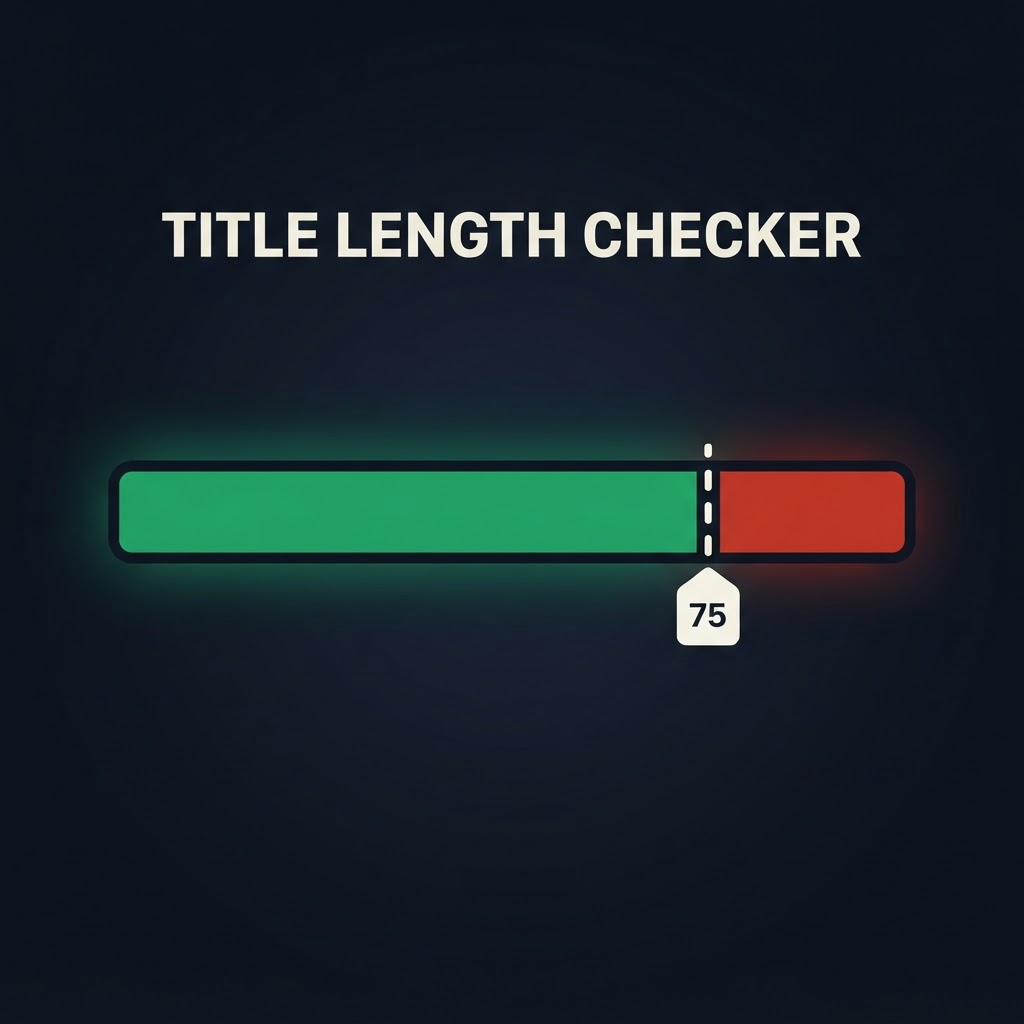
As of July 2026, Amazon enforces a 75-character limit on product titles in every category except media — and anything longer gets rewritten to Amazon's AI recommendation. We covered why that matters for your rankings in this breakdown of the title rewrite. This post is the practical follow-up: how to actually check where your listings stand.
Our free Amazon title length checker pulls the live title for any ASIN, counts the characters, and shows you exactly which part spills past the 75-character cap.
Why 75 characters, and why it matters
Titles are one of Amazon's strongest relevance signals. When Amazon's AI rewrites an over-length title, the exact keywords you rank on can move or disappear — and your exact-match ad campaigns won't know it happened. The first step to protecting your shelf is simply knowing which titles are non-compliant.
How to check any Amazon title length
- Copy the ASIN from the product URL (10 characters, starts with
B0). - Paste it into the free title checker.
- See the live character count against the 75 cap, with the over-limit text highlighted.
What to do if a title is over the limit
- Rewrite it yourself first. If you control the listing, trim to 75 characters keeping your most important keywords up front — don't let the AI choose for you.
- Move overflow into Item Highlights. Amazon gives you an extra 125 searchable characters there for materials and use cases.
- Start with your top ASINs. Your best sellers carry the most risk, so fix those before the long tail.
Frequently asked questions
Does the 75-character limit include spaces? Yes — spaces and punctuation count toward the total.
Which categories are exempt? Media categories (books, music, video) are excluded. Everything else is subject to the cap.
Can I check competitors' titles too? Yes. The checker works on any public ASIN, so you can benchmark against competitors.
Check a title now, free: