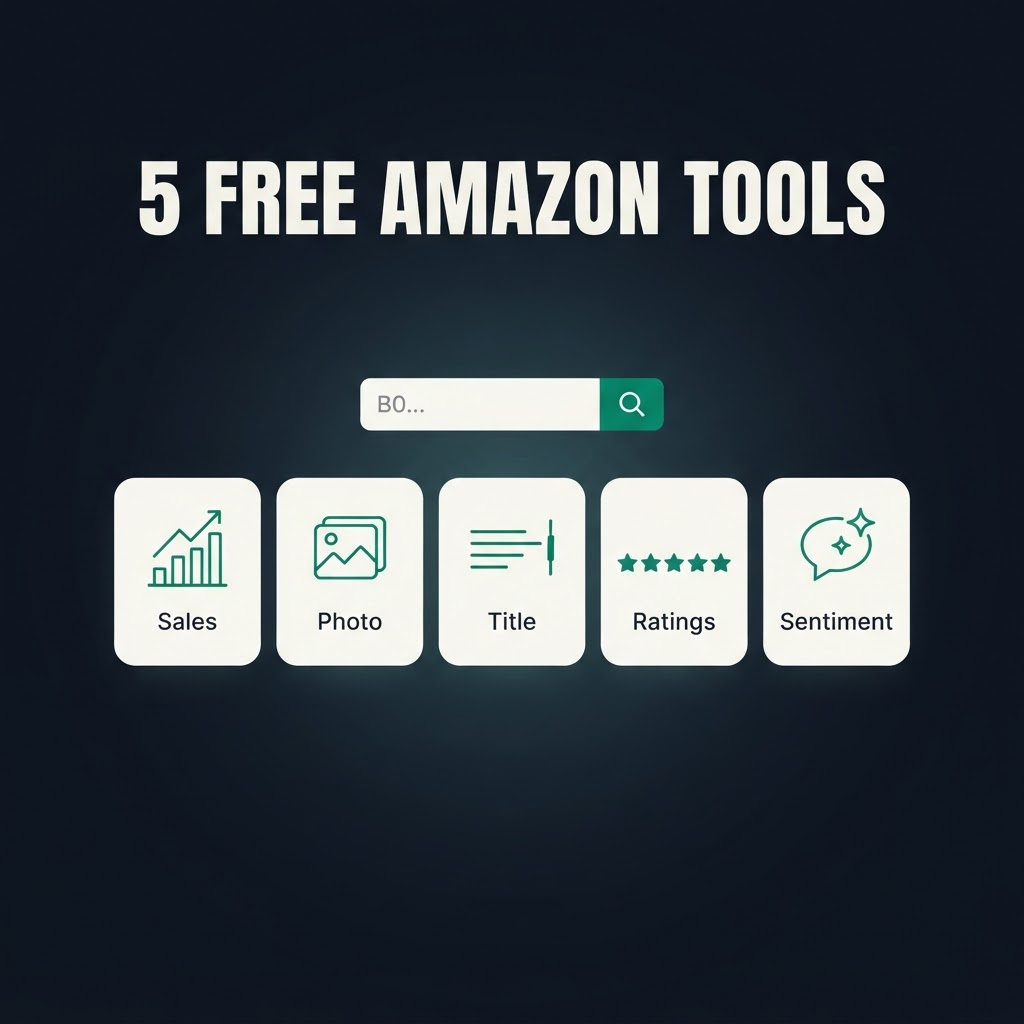
Who doesn't like free stuff? An Amazon product page is packed with data points that tell you almost everything about how a listing is performing — demand, social proof, creative, sentiment — but they're scattered across the page and locked behind paid tools and clunky extensions.
So we pulled the five most useful ones out into free tools. Paste any ASIN, get live data back in seconds. No Chrome extension, no credit card, and they work on any device. Here's the set.
1. Monthly Sales Tracker — how many units a product sells
Amazon's own "X+ bought in past month" figure is the closest thing to ground-truth demand you can see without owning the Seller Central account. Use it to size a market, validate a product idea, or watch a competitor's volume move. It beats guessing from BSR because it's Amazon telling you directly.
☞ Free Amazon Monthly Sales Tracker — full guide here
2. Product Image Downloader — every image from any listing
Right-clicking only gets you a compressed thumbnail. This pulls the full-resolution main image plus the entire gallery with direct links to the largest stored files — perfect for competitive teardowns, listing audits, and monitoring when a rival swaps their main image.
☞ Free Amazon Image Downloader — full guide here
3. Title Length Checker — is your title over 75 characters?
As of July 2026, Amazon caps titles at 75 characters in most categories and rewrites anything longer with AI — which can move the keywords you rank on. This tool pulls the live title for any ASIN, counts the characters, and highlights exactly what spills past the cap.
☞ Free Amazon Title Length Checker — full guide here
4. Rating & Review Checker — live stars and review count
Star rating and review count are two of the biggest levers on Amazon conversion. Check the live rating and total review count for any ASIN to benchmark yourself against competitors — and track how they move over time to catch review campaigns and quality slides early.
☞ Free Amazon Rating & Review Checker — full guide here
5. Customer Sentiment — Amazon's "Customers say" AI summary
Amazon already aggregated hundreds of reviews into the themes buyers love and hate. This pulls that "Customers say" summary for any ASIN, so instead of reading reviews for hours you get the product roadmap, listing copy, and competitive gaps handed to you.
☞ Free Amazon Customer Sentiment Tool — full guide here
How to find an ASIN
Every tool takes an ASIN — the 10-character code starting with B0 in the product URL (amazon.com/dp/B0B73XM8ZB). Copy it, paste it, done.
Why we give these away
Each tool is a thin front-end over the same Amazon product API that powers Asgard. The free versions check one ASIN at a time; the API does the same thing across thousands of ASINs on a schedule, so you can monitor rank, buybox, pricing, sales, and sentiment programmatically. If a free tool solves your problem, great — that's the point. If you need it at scale, that's what the API is for.
Frequently asked questions
Are these really free? Yes — no signup, no card, no extension. Enter an ASIN and get live data.
Where does the data come from? Straight from the live Amazon listing at the moment you check, via the Asgard product API.
Can I check competitors? Yes. Every tool works on any public ASIN, which is exactly how you benchmark your category.
Can I automate this at scale? Yes — the tools run on the API at asgardata.com, built for bulk, scheduled scraping.
Try them all, free:
☞ Monthly Sales · Image Downloader · Title Checker · Rating & Reviews · Customer Sentiment